

-
Custom Tags
Synthetic Tags
- 40mil HeavyWeightNew
- Event Credentials
- Golf Rule Tags®
- HoloTags™New
- Skill Tags®Hot
- StrapTags™New
- TapTags™ (NFC)New
- Tournament Tags®Hot
- Trophy Tags®
All About Synthetic Tags → -
Custom Lanyards
Custom Lanyards Standard SpecialtyBundle & Save
All About Custom Lanyards → Stock Lanyards Quick Ship Solid colors, ships in daysSave up to 25% on custom lanyards with your event credential purchase.
Quote Your Bundle →New in the Lanyard familyStrapTags™
It's a tag! It's a lanyard! No, it's Super…ah…StrapTags™!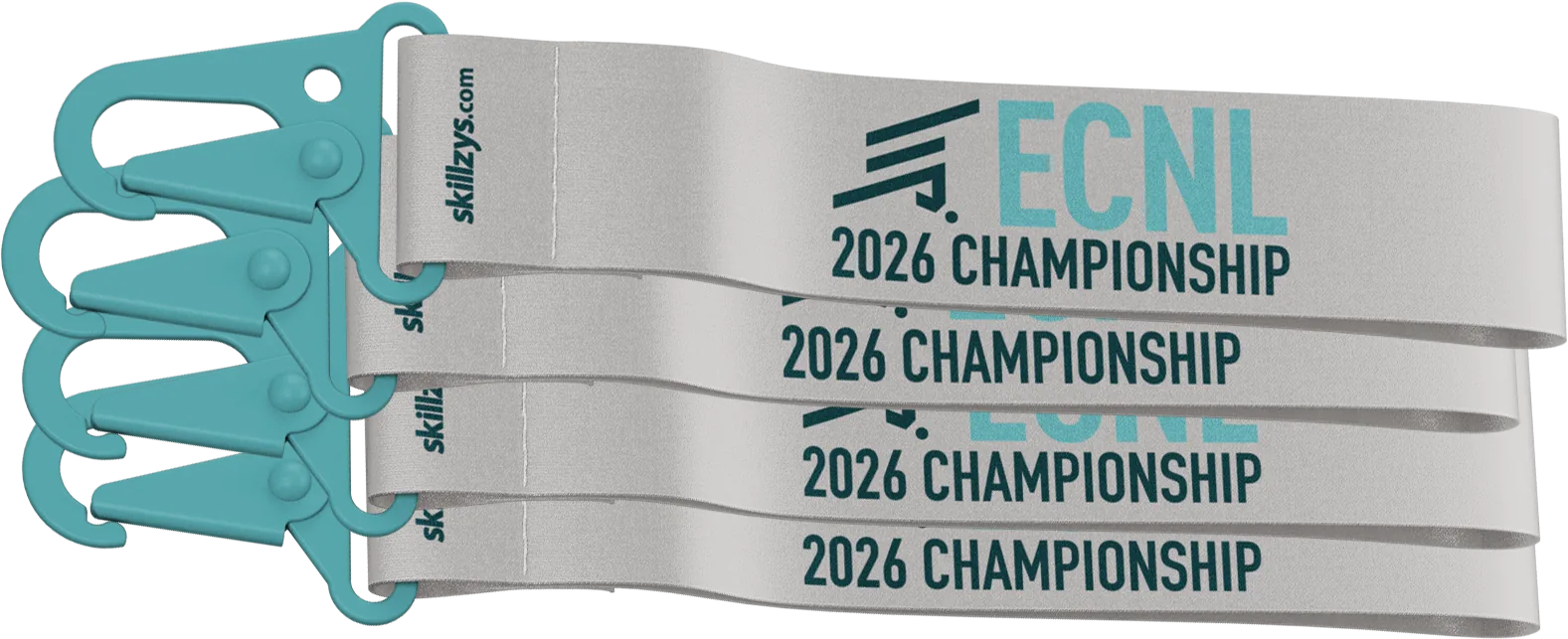
Compact polyester or nylon straps for the tag world.
- Event Extras
- Promotional Products
- Resources
Variable Data Printing
Variable data printing is a dynamic print technique that allows us to customize tags by changing and replacing particular elements such as an image, text element, or color by using a database or an external file. The content being printed can be modified from one tag to the next in a single run.
Variable Data Personalization
Four real-life Skillzys® projects, shown to relative scale.


How It Works
Personalizing hundreds of tags doesn’t mean hundreds of designs. We design one template, mark the spots that change (a name, a number, a photo), and merge in your list so every tag prints with its own data in a single run. Send that list as an Excel spreadsheet, a Google Sheet, or a CSV, and it comes out exactly the way you set it up.


Each row becomes one tag. Start with your first record and keep going down the list.
Give every piece of data its own column: a name in one, a number in the next, and so on.
Need several of the same tag? List that information on as many rows as you want copies.
A quick header on each column tells us exactly what belongs where on the tag.
Photos and QR codes? Reference them by file name.
You can’t type a headshot or a QR code into a cell, so you name it instead. Put each file’s name in the column, keep the images together in folders (a headshots folder, a QR codes folder), and send them along. We match every name to its file and print it right where it belongs.
| A | B | C | D | E | |
|---|---|---|---|---|---|
| 1 | First Name | Last Name | Title | Photo | QR Code |
| 2 | Stephanie | Peters | Graphic Designer | sp-headshot.jpg | qr-sp.jpg |
 sp-headshot.jpg
 qr-sp.jpg
What We Can Merge
If it lives in a spreadsheet column, we can print it on each tag.
Personalize Across the Line
Variable data is most common on event credentials, but it works anywhere we print.
Frequently Asked Questions
An Excel spreadsheet is the easiest, but a Google Sheet or a plain CSV works just as well. Put one tag per row, keep each piece of info in its own column, and add a short header at the top of each column so we know what goes where. That is really all we need to get going.
There is no special minimum for personalizing. A 20-person staff list and a few thousand event badges use the exact same setup: one template, your list. If you have a specific count in mind, send it along with your quote and we will confirm what works best.
Not on its own. Personalized tags print in the same run as plain ones, so variable data does not add production time. Your turnaround depends on the product you are ordering, and we give you a firm ship date once you approve your proof.
Name each photo the way it appears in your spreadsheet (for example, sp-headshot.jpg), then drop them all into one folder. Regular JPEG or PNG files are fine. Bigger and sharper is always better, so send the full-size original rather than a small cropped copy when you can.
You will create the QR codes and send them to us as image files, the same way you send photos. Name each one to match your spreadsheet, drop them into your folder, and we will place them exactly where they belong on the tag. There are plenty of free QR generators online if you need one, and making them yourself keeps you in full control of where every code points.
Usually, yes. Most registration systems and team platforms export straight to Excel or CSV, which is exactly what we work from. Send us what you have and we will let you know if anything needs a quick tidy before it goes to print.
Yes, always. Just tell us how many extras you want and we will add a batch of blank, non-personalized tags to your order. A lot of clients keep a stack on hand for walk-ups and late registrants, then add names on-site with adhesive labels, so nobody gets turned away at the door.
We do. For events that need names added live at check-in, we can set you up with on-site badge printing so late registrants walk away with a finished tag on the spot. Reach out and we will walk you through the options that fit your event.
It comes down to the product and how many you need, so we build it into your project quote rather than pricing it separately here. Tell us what you are printing and roughly how many, and we will send back one clear price with the variable data included.
Let’s Get Started
Ready to bring your ideas to life?
Send us your design and your list, we’ll take the lead from there.
Or call us, (888) 510-6233For youth-sports organizations & NGBs: we partner with local clubs, state associations, national governing bodies, and large youth-sports organizations that share our mission. Drop us a line and our CEO will get back to you within one business day.