

-
Custom Tags
Synthetic Tags
- 40mil HeavyWeightNew
- Event Credentials
- Golf Rule Tags®
- HoloTags™New
- Skill Tags®Hot
- StrapTags™New
- TapTags™ (NFC)New
- Tournament Tags®Hot
- Trophy Tags®
All About Synthetic Tags → -
Custom Lanyards
Custom Lanyards Standard SpecialtyBundle & Save
All About Custom Lanyards → Stock Lanyards Quick Ship Solid colors, ships in daysSave up to 25% on custom lanyards with your event credential purchase.
Quote Your Bundle →New in the Lanyard familyStrapTags™
It's a tag! It's a lanyard! No, it's Super…ah…StrapTags™!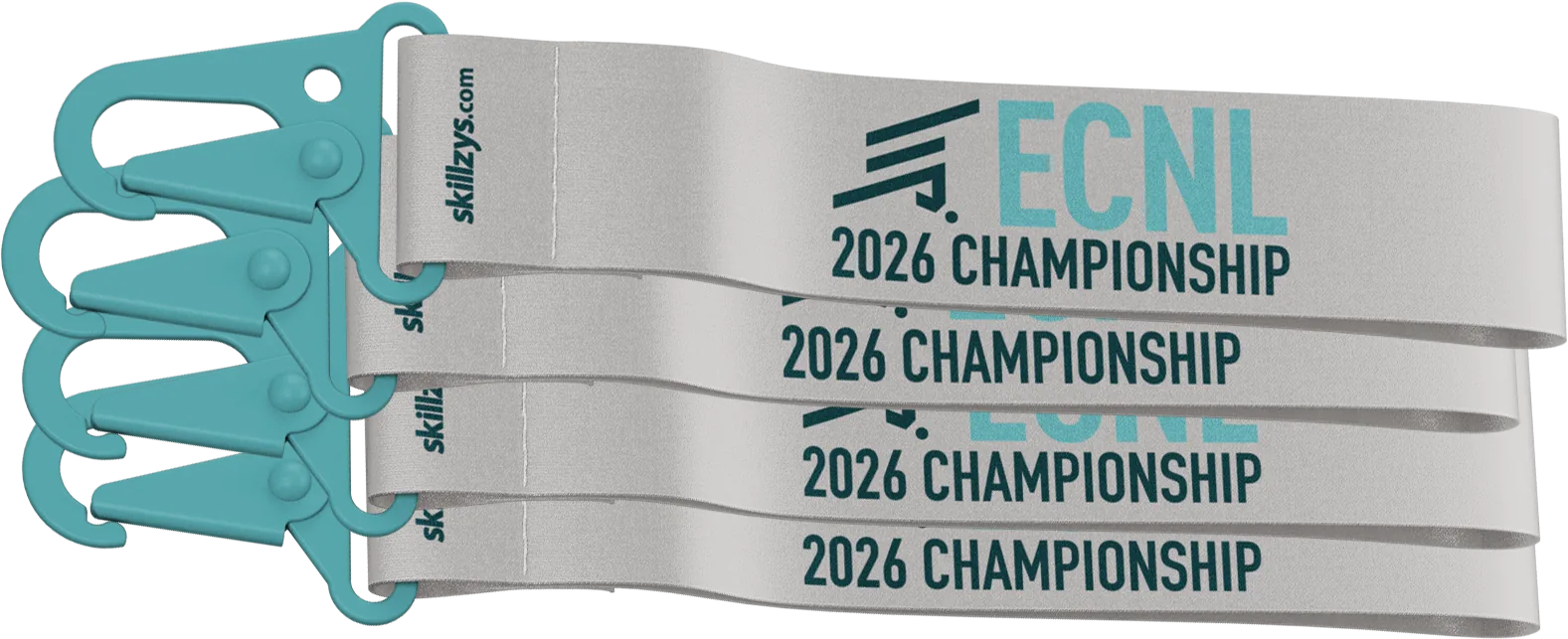
Compact polyester or nylon straps for the tag world.
- Event Extras
- Promotional Products
- Resources
Everything you need to get your tag print‑ready.
Download a template for the exact shape you ordered, check your file against our guidelines, or just send us your idea and we’ll take it from there. However you like to work, we’ll make sure it prints beautifully.
Design it yourself, or leave it to us.
You’re designing from scratch
Download the tag template below, do your work, send it back to us. We’ll have production proofs for you to approve within 24 hours.
Get info and templates ↓You have AI‑generated art
We can work with this, but there are likely going to be some tweaks needed to bring the idea to life.
See how AI art works ↓We’re doing the design
Send us your logos and design requirements, and our creative team will get to work to provide initial concepts for review.
Submit your artwork →File & art guidelines
A few things keep your tag looking exactly the way you designed it. Match these and your file is ready to print.
Accepted file formats
Preferred. Outline fonts, embed images.
Vector preferred, fonts outlined.
Vector artwork from most design tools.
Only if fully rasterized at 300 dpi.
Resolution & color
Getting bleed and safety right
The two things that trip up most files. Here’s what to aim for - and what to avoid.

Full bleed, text inside safety
Background runs past the red line; the logo and name sit inside the green line.

No bleed
Art stops at the cut, so any tiny shift leaves a thin white sliver on the edge.

Essentials too close to the edge
The name crosses the safety line and risks being cut off.

Low-resolution art
Web images (72 dpi) print soft and pixelated. Use 300 dpi at final size.

RGB color
Bright screen colors shift on a CMYK press. Build in CMYK so what you see prints.
Designing with AI-generated art
AI tools like Midjourney, ChatGPT, and Canva are a fast way to spark an idea. Here’s the catch most people hit, and how we get you to a tag that prints clean.

The background looks great. The text fell apart.
This is what most AI art comes back looking like. The style is genuinely good, but the logo and team name are oversized and run right off the edges with no safe margin, the wording is misspelled (look closely: “CHAMPIONSHIPP,” “VOLLEYBAL”), and the fine details go soft. And because it’s all baked into one flat image, those mistakes can’t be pulled out or corrected.
Good news: the part AI does well is the only part we need from it. Send the background on its own, and we handle the rest.
How we turn it into a printable tag
Three steps. You bring the look; we make it print-ready.

The AI background
Just the look, as a plain image sized to your tag’s bleed. No text, no logo, no cut lines.

Logo & text on your art
Your real logo and exact wording, set razor sharp and positioned inside the die and safety lines.

Your finished tag
Print-ready proof. You approve it before we die-cut and print.
💡 Getting the background from your AI tool · a starter prompt
New to Midjourney, ChatGPT, or Canva? Describe the look you want, tell it to leave text and logos out, and ask for a tall (portrait) image. Paste this in as a starting point:
A vertical portrait background for a sports tag. [describe your colors and style, e.g. a deep blue-to-purple gradient with soft light streaks and a subtle texture]. No text, no words, no letters, no numbers, no logos. Flat, straight-on view - not a 3D product mockup. No drop shadows, glows, reflections, or angled perspective. Keep the center simple and uncluttered. High resolution.
- ChatGPT: paste it in and refine in plain English (“make it 3:4,” “remove the text”).
- Midjourney: add
--ar 3:4 --no text, words, letters, logo, shadow, reflection, mockup, angleto the end of your prompt. - Canva: use Magic Media → Text to Image and pick a portrait size, or choose a background from its library.
Grab the highest-resolution version you can. Don’t worry about exact size; roughly portrait is fine and we size it to your tag’s bleed. If the tool sneaks in stray text, just regenerate or crop it out.
Tag templates
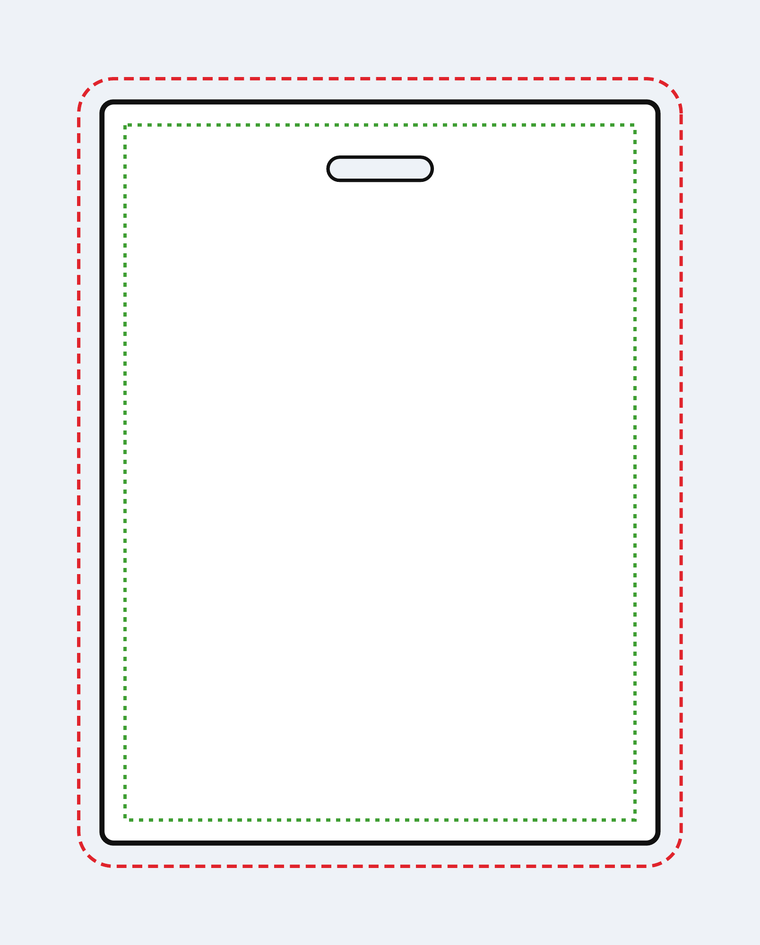
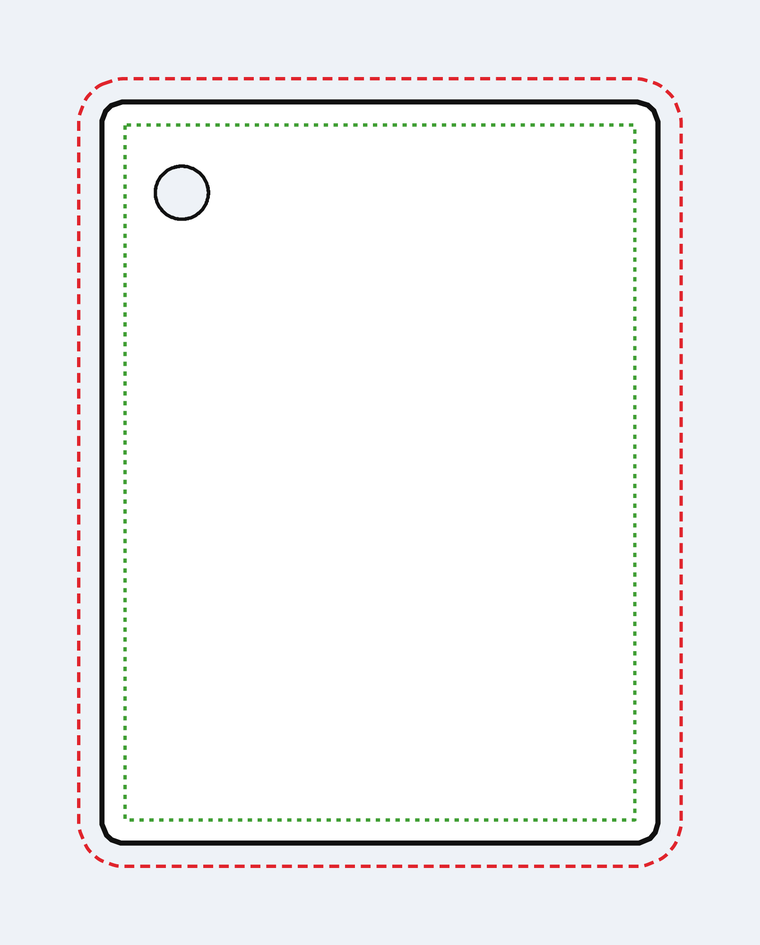
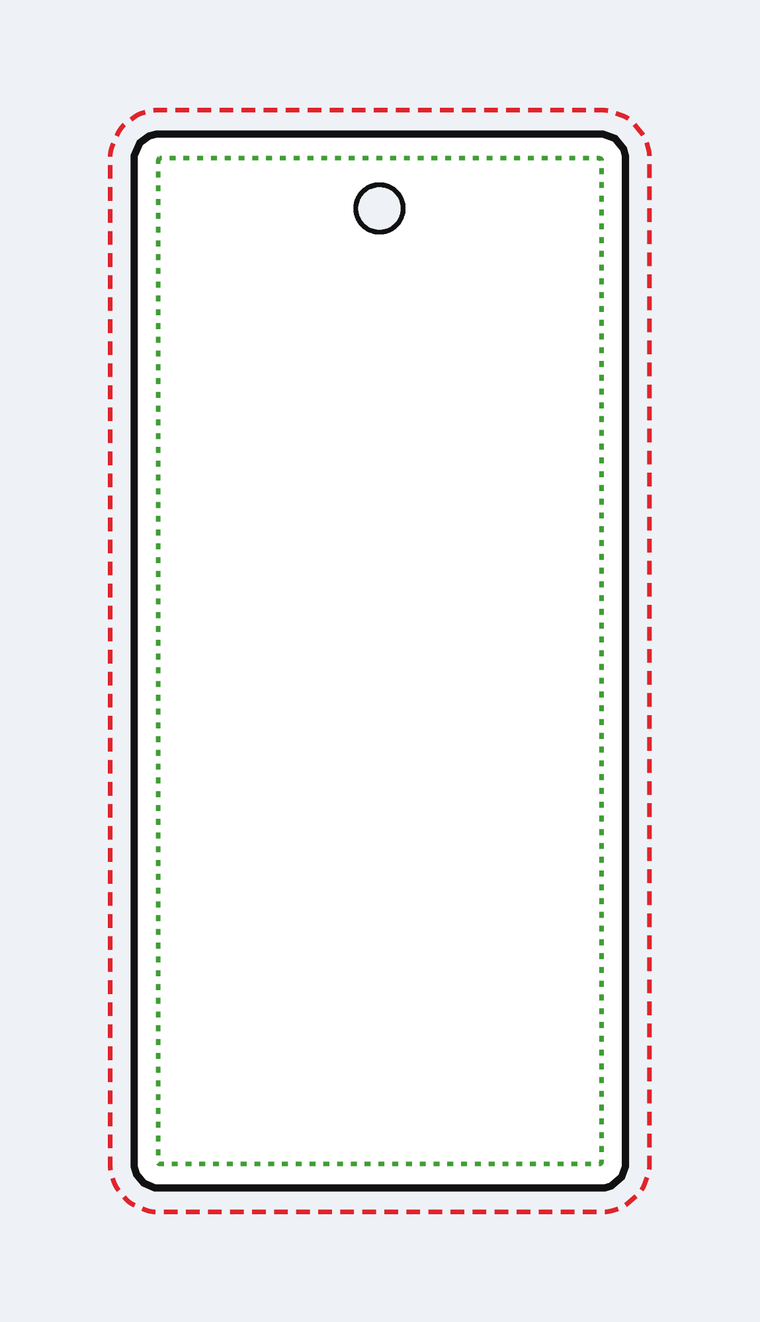
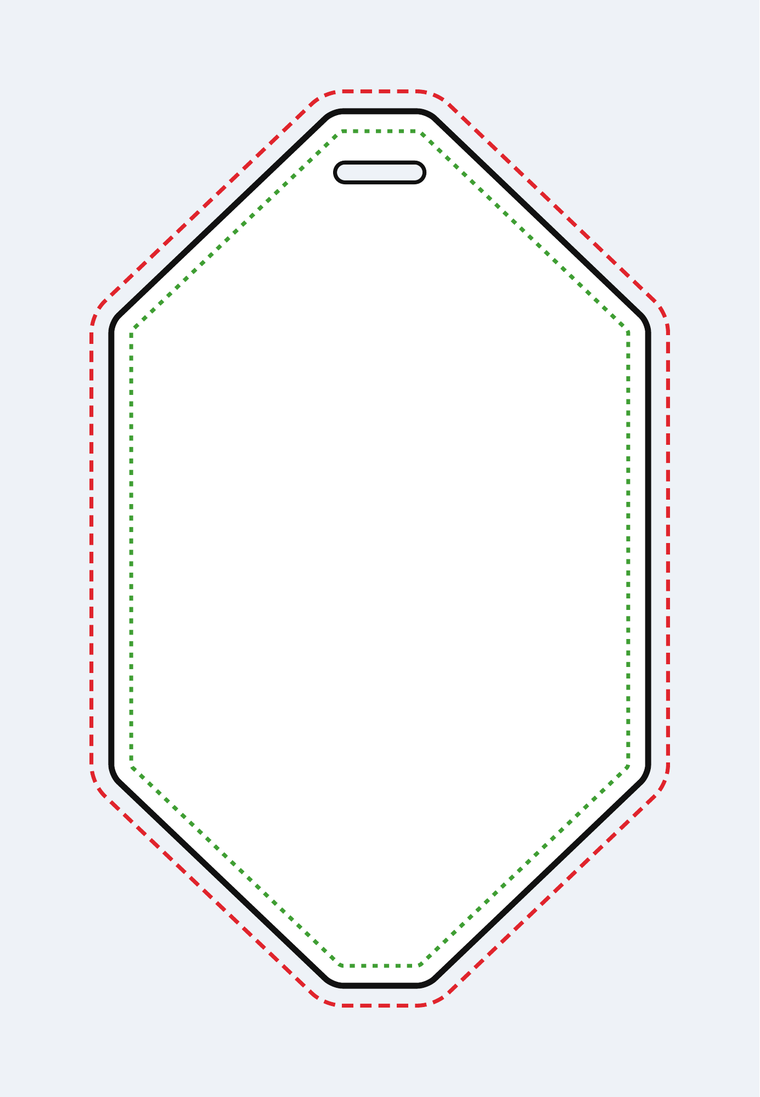
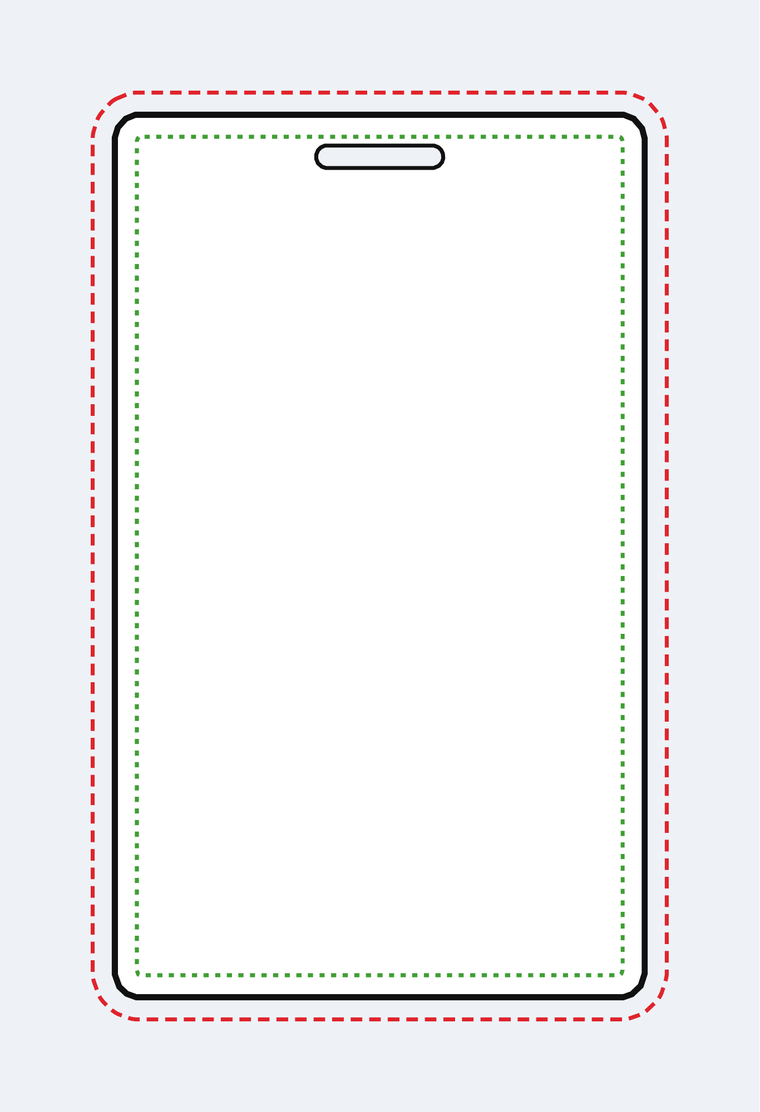
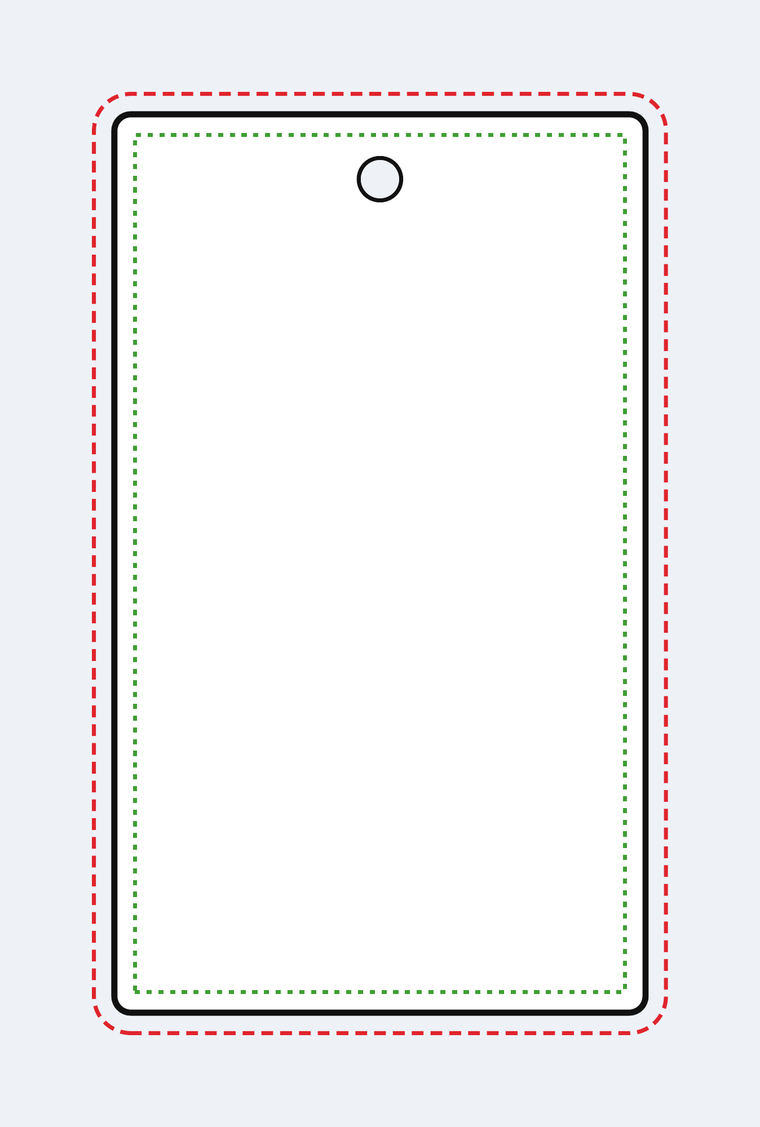
One file per shape, at the exact finished size. Grab .ai if you work in Illustrator - it opens with a locked guide layer and an empty artwork layer ready to design on. Grab .pdf to open it in almost anything.
Small


Medium


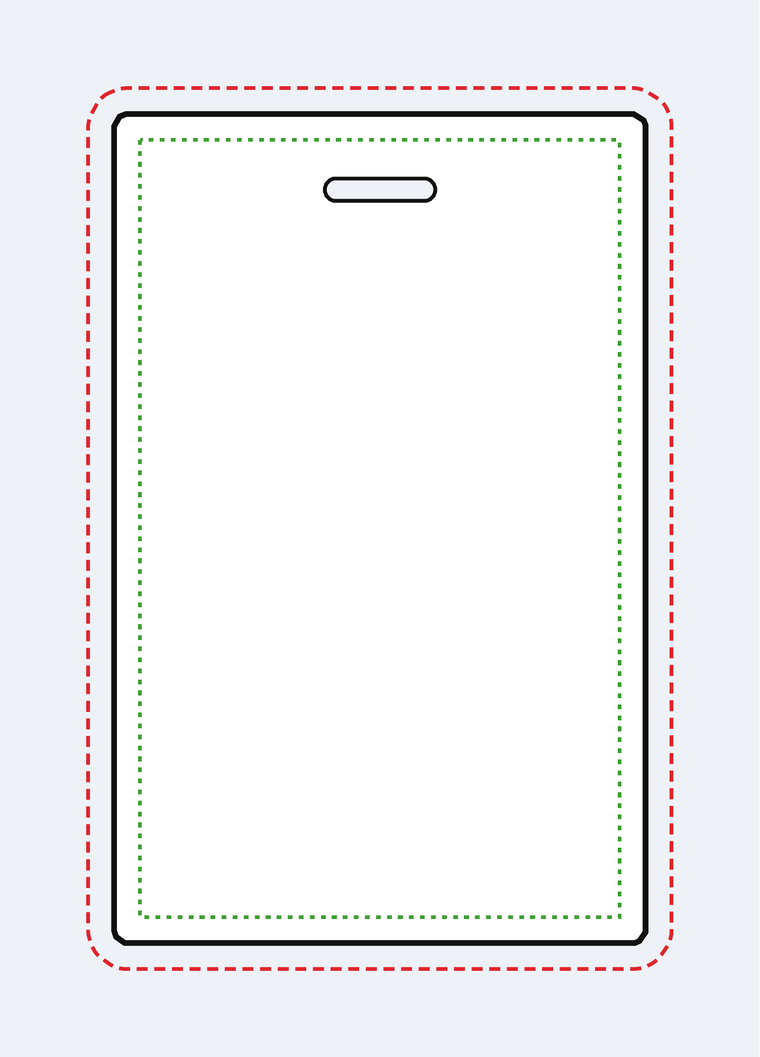



Large






XL


StrapTag™ templates
Ready when you are.
Send finished artwork, a rough idea, or anything in between. We’ll design, proof, and confirm every detail with you before a single tag is printed.